Paradise Valley

Pine Creek Lodge

5 upcoming events

About Pine Creek Lodge

Pine Creek Lodge is an outdoor music venue on East River Road outside Livingston in Paradise Valley, booking touring folk, Americana and indie acts alongside food and drink. It has a creekside setting for shows, offers overnight lodging on site, and puts some proceeds toward a youth arts fund.

Everything coming up · 5 events

Friday, January 81 event

  • 6 PM

    Lee Henke

    Pine Creek Lodge · Paradise Valley

    Music$20–$30

Saturday, January 91 event

  • 6 PM

    Joe Robinson

    Pine Creek Lodge · Paradise Valley

    Music$25–$55

Saturday, January 161 event

  • 6 PM

    Comedy Night

    Pine Creek Lodge · Paradise Valley

    Comedy$15–$25

Friday, January 221 event

  • 6 PM

    The Beagles

    Pine Creek Lodge · Paradise Valley

    Music$15–$25

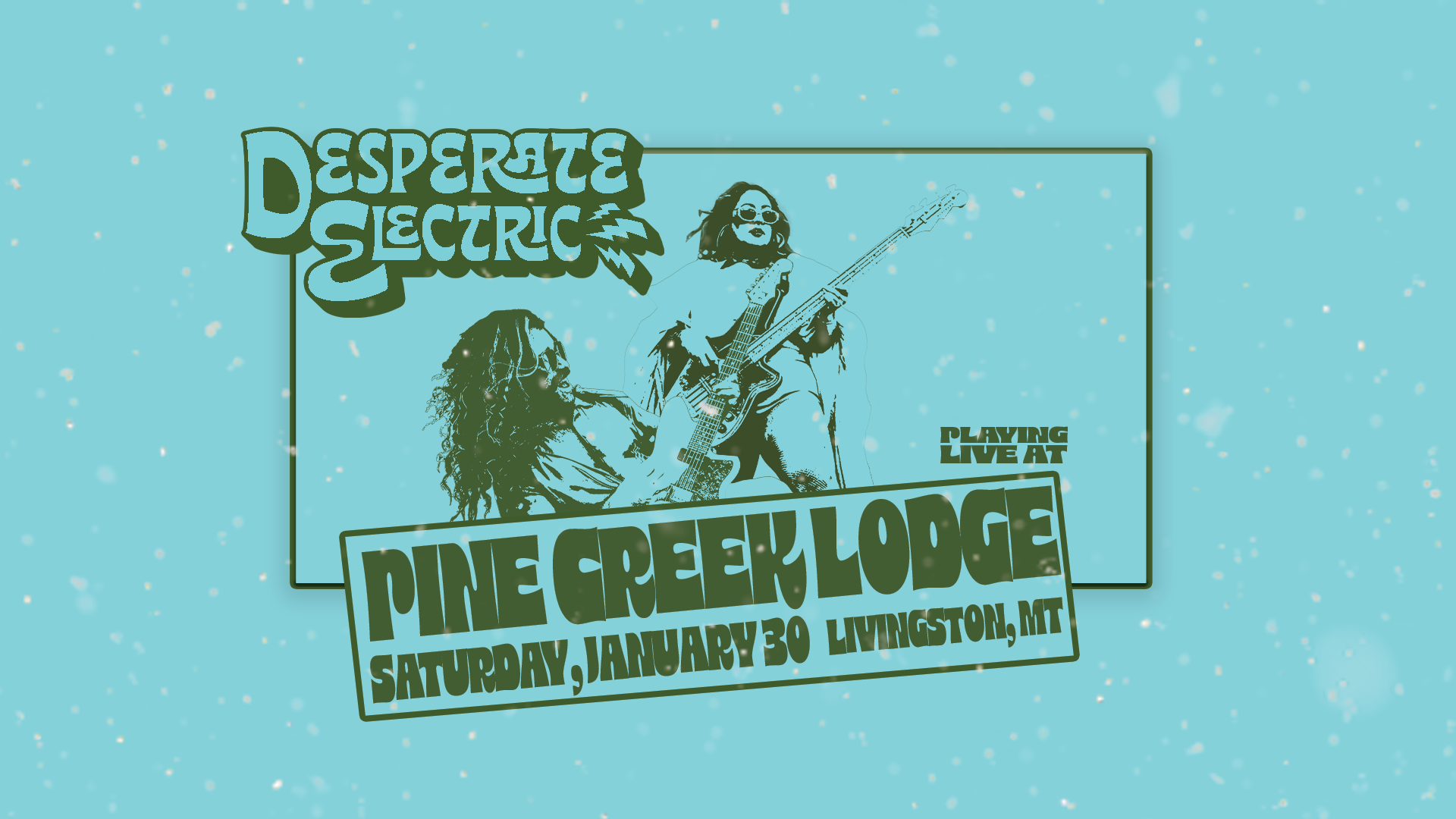
Saturday, January 301 event

Reviews

No reviews yet. Been here? Be the first.

Sign in to review — tell others what it’s like.

Put these shows on your website

Run Pine Creek Lodge? Paste this into your website and your upcoming shows appear there, always up to date. The steps for your website builder are under the code.

Look
Background

We matched the colors and fonts to pinecreeklodge.com, which has both light and dark sections, so pick the one the widget will sit on. If a color would be hard to read, the widget makes it a little lighter or darker.

Size

Grows or shrinks to fit your shows, using a small script from Bozeman Events. If your website won’t run it, the widget simply stays 480 pixels tall.

Steps for Squarespace

  1. Open the page and click Edit.
  2. Click an Add block point (the + sign) where the shows should go and choose Code.
  3. Paste the code over the sample text, click away from the block, then Save.
  4. If your Squarespace plan won’t run code, choose Fixed height above and paste that instead.
Using something else?

Wix

  1. Use the Fixed height code above. Wix runs pasted code in a box of its own, so it can’t fit itself.
  2. In the editor, click Add (+), then Embed Code, then Embed HTML.
  3. Click Enter Code, paste, and click Update.
  4. Drag the box’s corner until all your shows fit, then Publish.

WordPress

  1. Edit the page and click the + where the shows should go.
  2. Search for Custom HTML, add that block, and paste.
  3. Click Update.
  4. Using a page builder? In Divi add a Code module, in Elementor drag in the HTML widget, and in Avada add a Code Block element, then paste.

Webflow

  1. This is usually done in the Webflow Designer, so it may be a job for whoever built the site.
  2. Open the Add panel (+), drag a Code Embed to where the shows should go, and paste.
  3. Click Save & Close, then Publish.

Square Online

  1. In the site editor, click Add section where the shows should go.
  2. Choose Embed code, paste into the code box, and click Done.
  3. Click Publish.

Weebly

  1. Drag the Embed Code element onto the page.
  2. Click it, choose Edit Custom HTML, and paste.
  3. Click away from it, then Publish.

GoDaddy

  1. Use the Fixed height code above. GoDaddy runs pasted code in a box of its own.
  2. Click Edit Website, then Add Section where the shows should go.
  3. Search for HTML, add it, and paste into Custom Code. Click Done, then Publish.
  4. If the bottom shows get cut off, change 480px in the code to a bigger number, like 640px.

Shopify

  1. Go to Online Store, then Themes, and click Customize.
  2. Open the page, click Add section, and choose Custom Liquid.
  3. Paste into the Liquid code box and click Save.

Anything else: look for a block or section called Code, Embed or Custom HTML and paste into it.

Preview