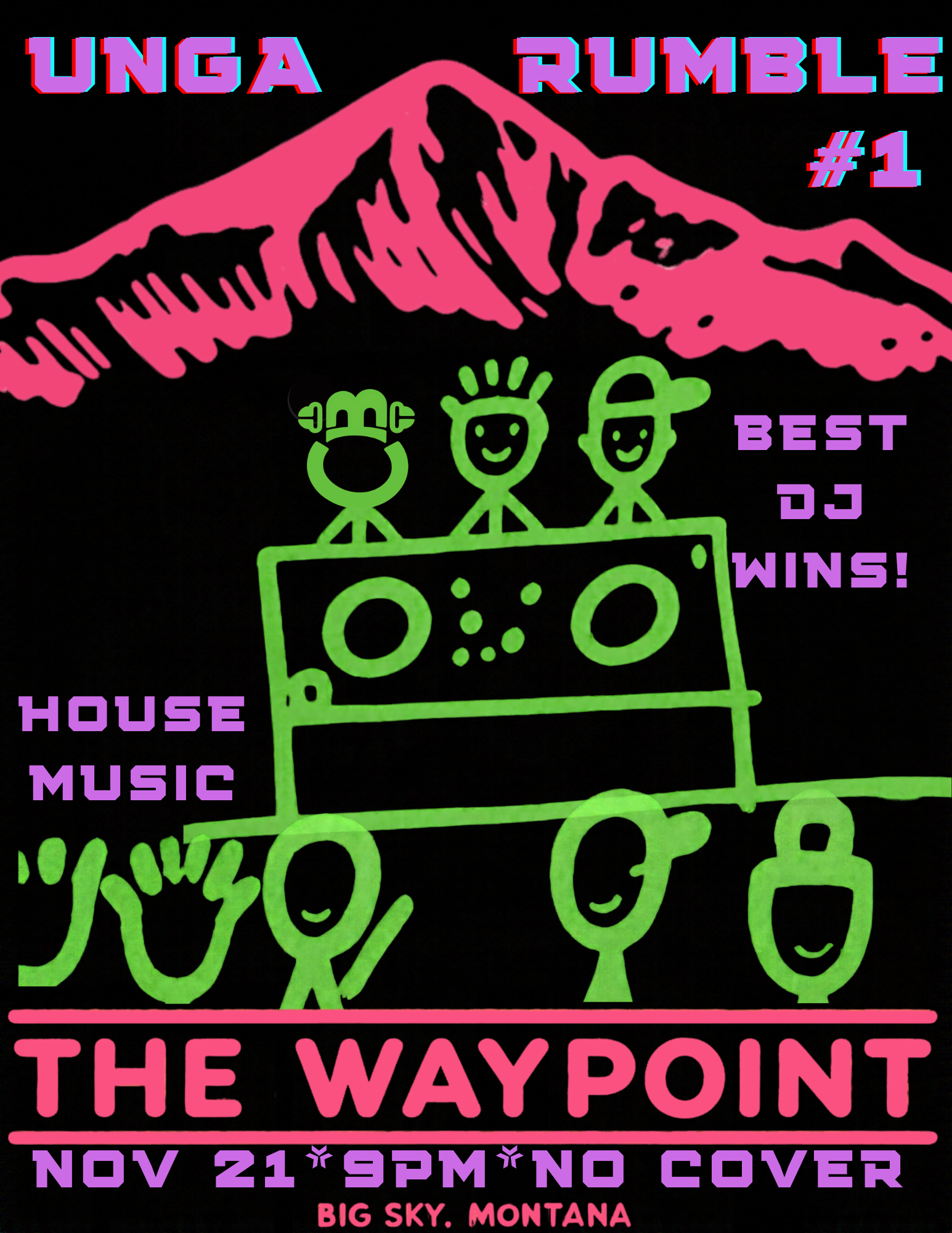
The Waypoint is Big Sky's movie theater, restaurant and bar in Town Center, in the space that used to be Lone Peak Cinema. Besides films, it hosts trivia nights, food and wine evenings, and the Lone Peak Film Festival.
Run The Waypoint? Paste this into your website and your upcoming shows appear there, always up to date. The steps for your website builder are under the code.
Look
Background
We matched the colors and fonts to thebigskywaypoint.com. If a color would be hard to read, the widget makes it a little lighter or darker.
Size
Grows or shrinks to fit your shows, using a small script from Bozeman Events. If your website won’t run it, the widget simply stays 480 pixels tall.
Steps for Squarespace
Open the page and click Edit.
Click an Add block point (the + sign) where the shows should go and choose Code.
Paste the code over the sample text, click away from the block, then Save.
If your Squarespace plan won’t run code, choose Fixed height above and paste that instead.
Using something else?
Wix
Use the Fixed height code above. Wix runs pasted code in a box of its own, so it can’t fit itself.
In the editor, click Add (+), then Embed Code, then Embed HTML.
Click Enter Code, paste, and click Update.
Drag the box’s corner until all your shows fit, then Publish.
WordPress
Edit the page and click the + where the shows should go.
Search for Custom HTML, add that block, and paste.
Click Update.
Using a page builder? In Divi add a Code module, in Elementor drag in the HTML widget, and in Avada add a Code Block element, then paste.
Webflow
This is usually done in the Webflow Designer, so it may be a job for whoever built the site.
Open the Add panel (+), drag a Code Embed to where the shows should go, and paste.
Click Save & Close, then Publish.
Square Online
In the site editor, click Add section where the shows should go.
Choose Embed code, paste into the code box, and click Done.
Click Publish.
Weebly
Drag the Embed Code element onto the page.
Click it, choose Edit Custom HTML, and paste.
Click away from it, then Publish.
GoDaddy
Use the Fixed height code above. GoDaddy runs pasted code in a box of its own.
Click Edit Website, then Add Section where the shows should go.
Search for HTML, add it, and paste into Custom Code. Click Done, then Publish.
If the bottom shows get cut off, change 480px in the code to a bigger number, like 640px.
Shopify
Go to Online Store, then Themes, and click Customize.
Open the page, click Add section, and choose Custom Liquid.
Paste into the Liquid code box and click Save.
Anything else: look for a block or section called Code, Embed or Custom HTML and paste into it.