Big Sky

Big Sky Resort

10 upcoming events

About Big Sky Resort

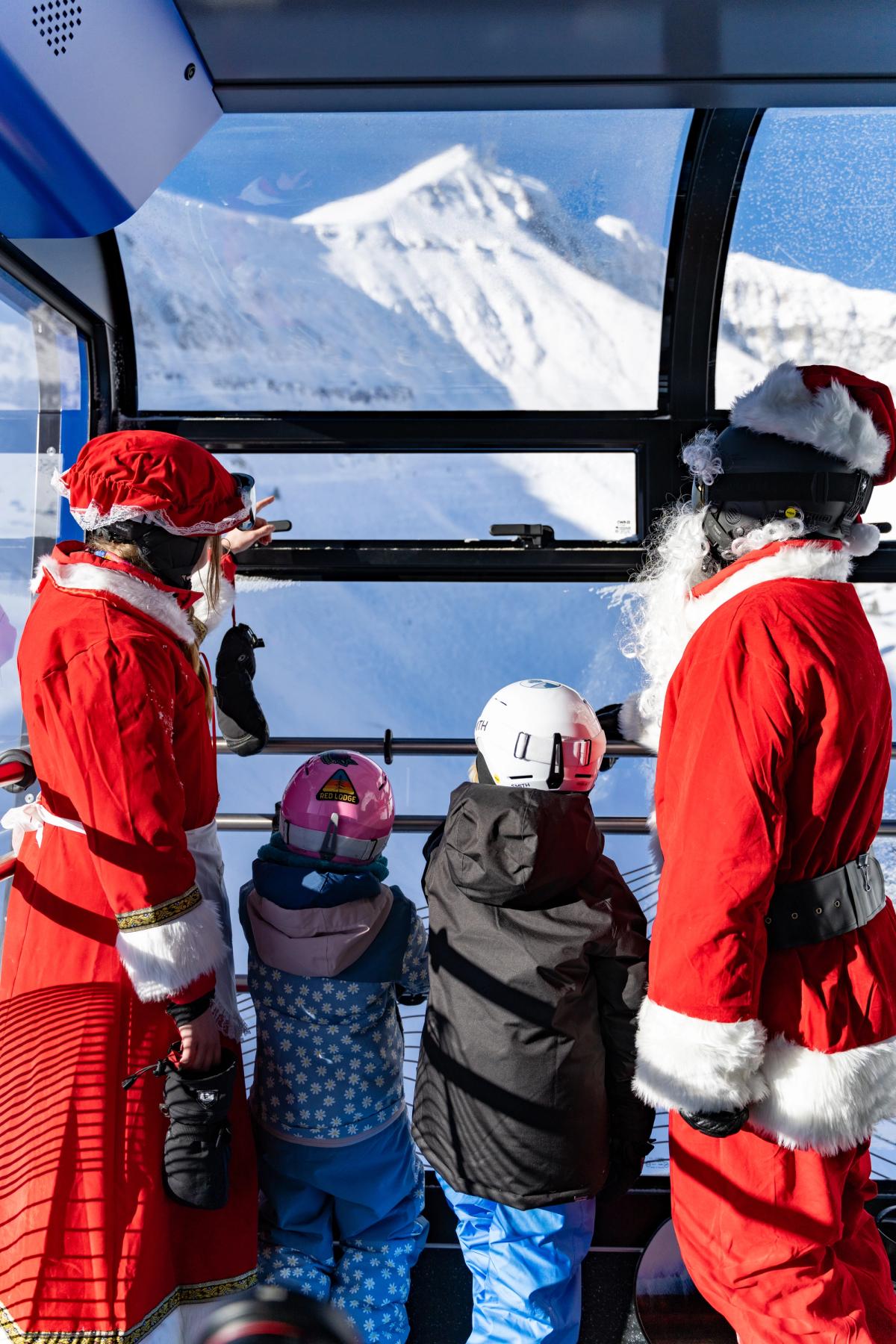
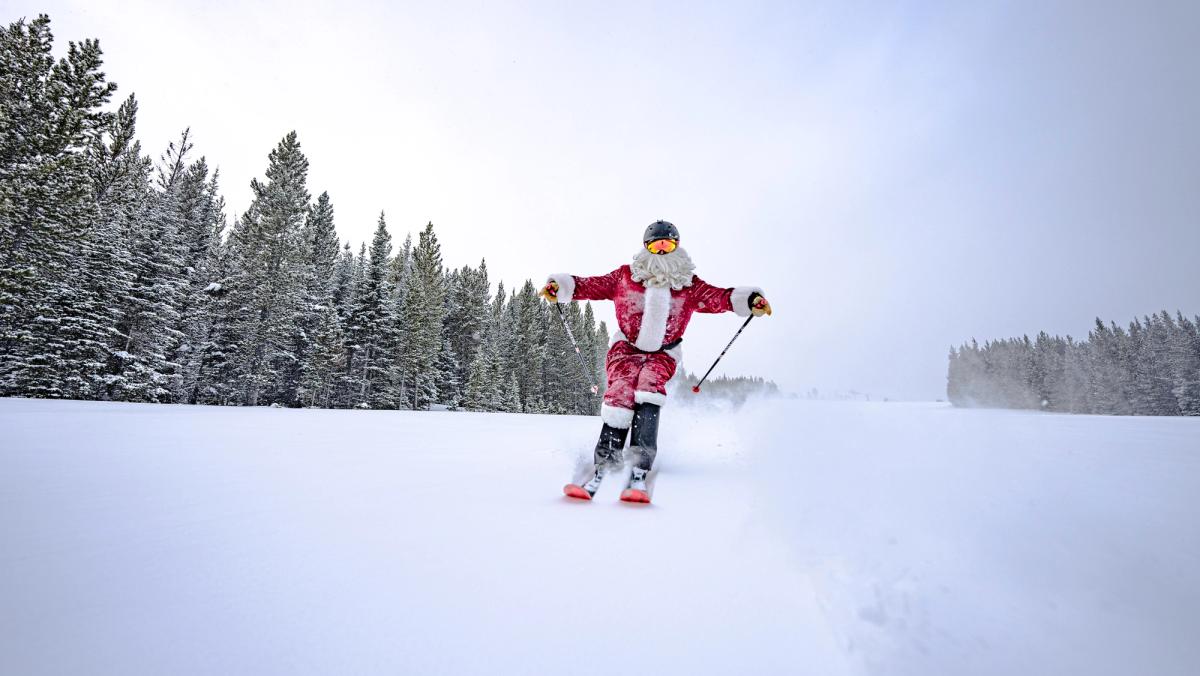
Big Sky Resort is a large ski area in Big Sky that keeps its winter season busy with concerts, holiday celebrations, ski races like the Shedhorn Skimo, and family activities such as Easter egg hunts and avalanche-dog demonstrations. Its gondola-served mountain and on-slope venues host both athletic competitions and casual apres-ski gatherings.

Things to play here

Hours
Closed for the season — back Jun 13
Mon – Sun11 AM – 4 PM

Summer only: open Jun 13 – Sep 13

Summer hours, weather permitting

Price
Pay per activity with tokens
Who can go
All ages · Outdoors

Book at shop.bigskyresort.com

Last checked Oct 2026. Hours and games change, so check before you go.

Everything coming up · 10 events

Wednesday, November 251 event

Friday, December 111 event

  • All day

    Christmas Stroll

    Big Sky Resort · Big Sky Town Center / Meadow Village

    Family & KidsFestivals

Sunday, December 131 event

  • 12 PM

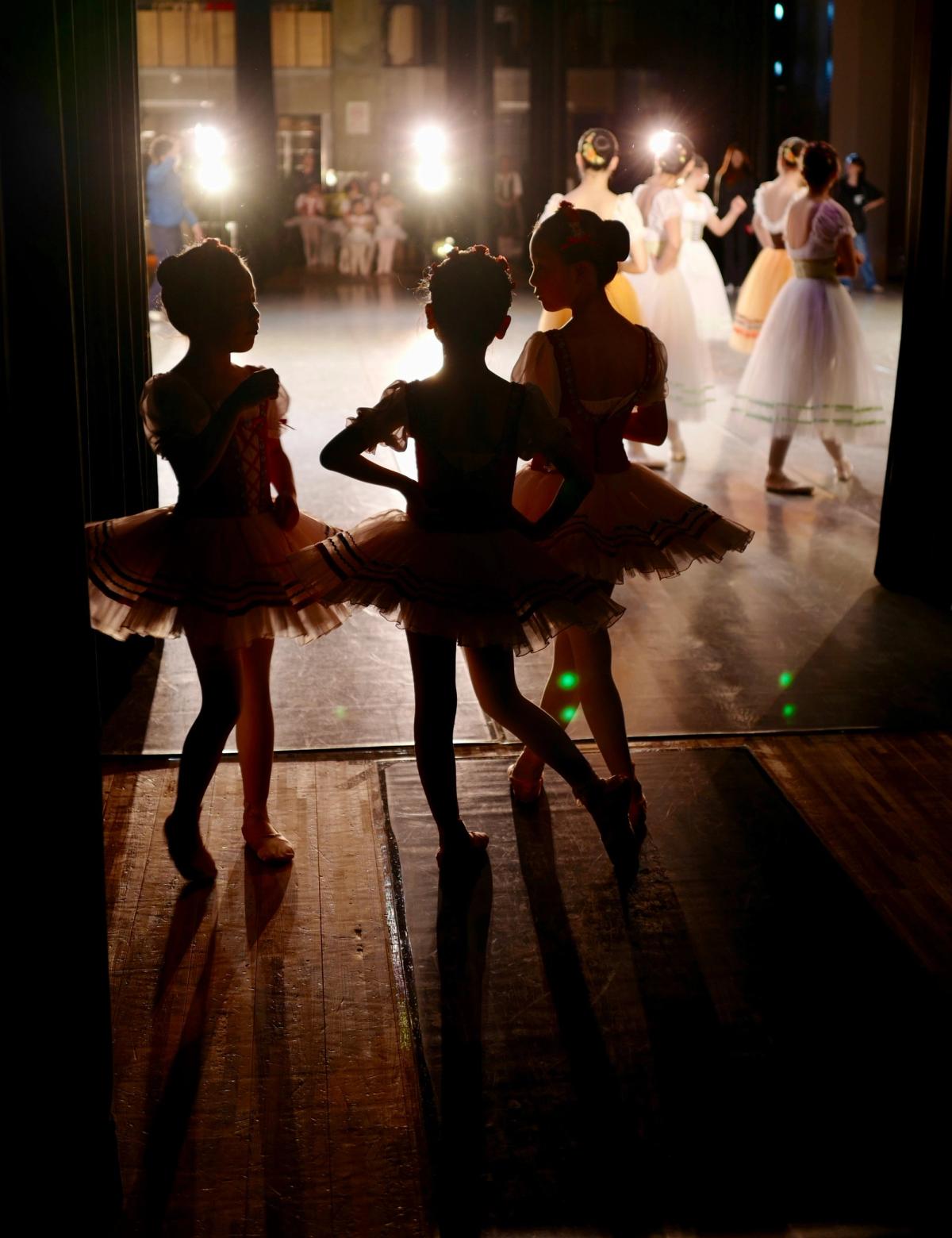
    The Nutcracker

    Big Sky Resort · Warren Miller Performing Arts Center

    Arts & Theatre

Wednesday, December 161 event

Monday, December 212 events

Wednesday, December 231 event
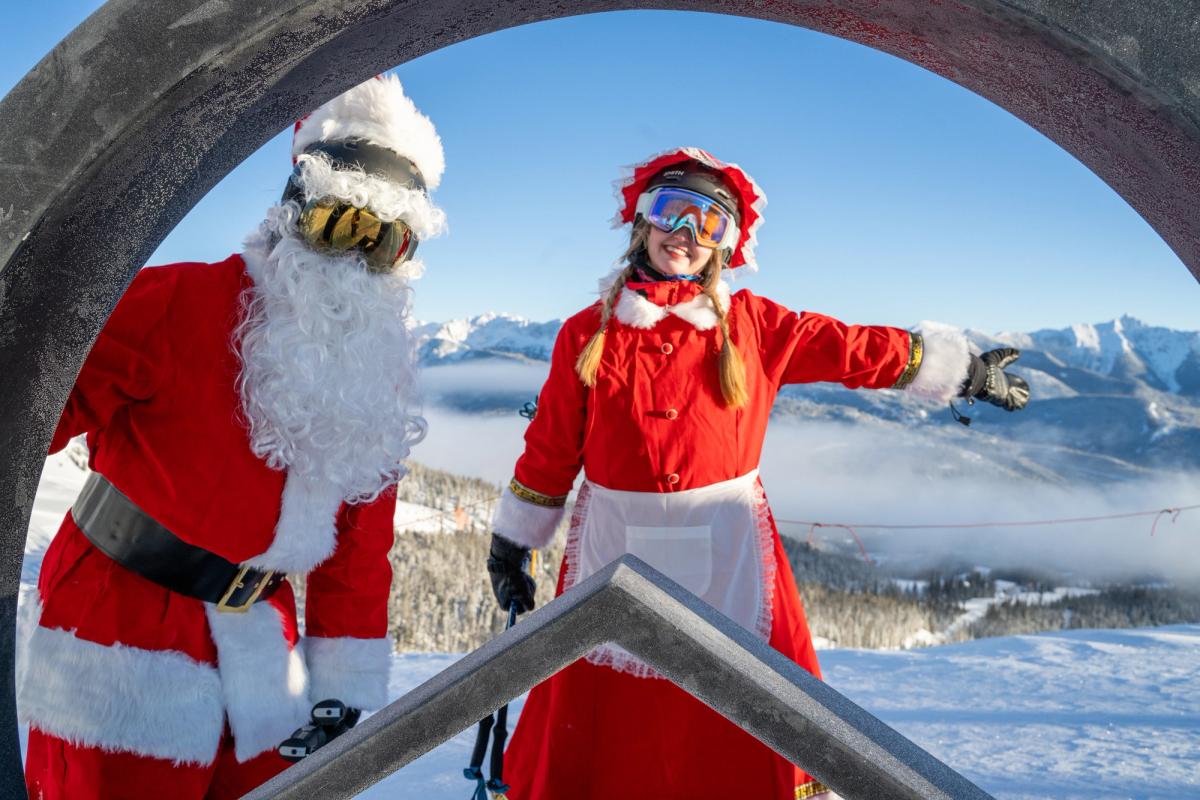
Thursday, December 242 events
Thursday, December 311 event

Reviews

No reviews yet. Been here? Be the first.

Sign in to review — tell others what it’s like.

Put these shows on your website

Run Big Sky Resort? Paste this into your website and your upcoming shows appear there, always up to date. The steps for your website builder are under the code.

Look
Background

We matched the colors and fonts to bigskyresort.com. If a color would be hard to read, the widget makes it a little lighter or darker.

Size

Grows or shrinks to fit your shows, using a small script from Bozeman Events. If your website won’t run it, the widget simply stays 480 pixels tall.

Steps for your website builder

Squarespace

  1. Open the page and click Edit.
  2. Click an Add block point (the + sign) where the shows should go and choose Code.
  3. Paste the code over the sample text, click away from the block, then Save.
  4. If your Squarespace plan won’t run code, choose Fixed height above and paste that instead.

Wix

  1. Use the Fixed height code above. Wix runs pasted code in a box of its own, so it can’t fit itself.
  2. In the editor, click Add (+), then Embed Code, then Embed HTML.
  3. Click Enter Code, paste, and click Update.
  4. Drag the box’s corner until all your shows fit, then Publish.

WordPress

  1. Edit the page and click the + where the shows should go.
  2. Search for Custom HTML, add that block, and paste.
  3. Click Update.
  4. Using a page builder? In Divi add a Code module, in Elementor drag in the HTML widget, and in Avada add a Code Block element, then paste.

Webflow

  1. This is usually done in the Webflow Designer, so it may be a job for whoever built the site.
  2. Open the Add panel (+), drag a Code Embed to where the shows should go, and paste.
  3. Click Save & Close, then Publish.

Square Online

  1. In the site editor, click Add section where the shows should go.
  2. Choose Embed code, paste into the code box, and click Done.
  3. Click Publish.

Weebly

  1. Drag the Embed Code element onto the page.
  2. Click it, choose Edit Custom HTML, and paste.
  3. Click away from it, then Publish.

GoDaddy

  1. Use the Fixed height code above. GoDaddy runs pasted code in a box of its own.
  2. Click Edit Website, then Add Section where the shows should go.
  3. Search for HTML, add it, and paste into Custom Code. Click Done, then Publish.
  4. If the bottom shows get cut off, change 480px in the code to a bigger number, like 640px.

Shopify

  1. Go to Online Store, then Themes, and click Customize.
  2. Open the page, click Add section, and choose Custom Liquid.
  3. Paste into the Liquid code box and click Save.

Anything else: look for a block or section called Code, Embed or Custom HTML and paste into it.

Preview